

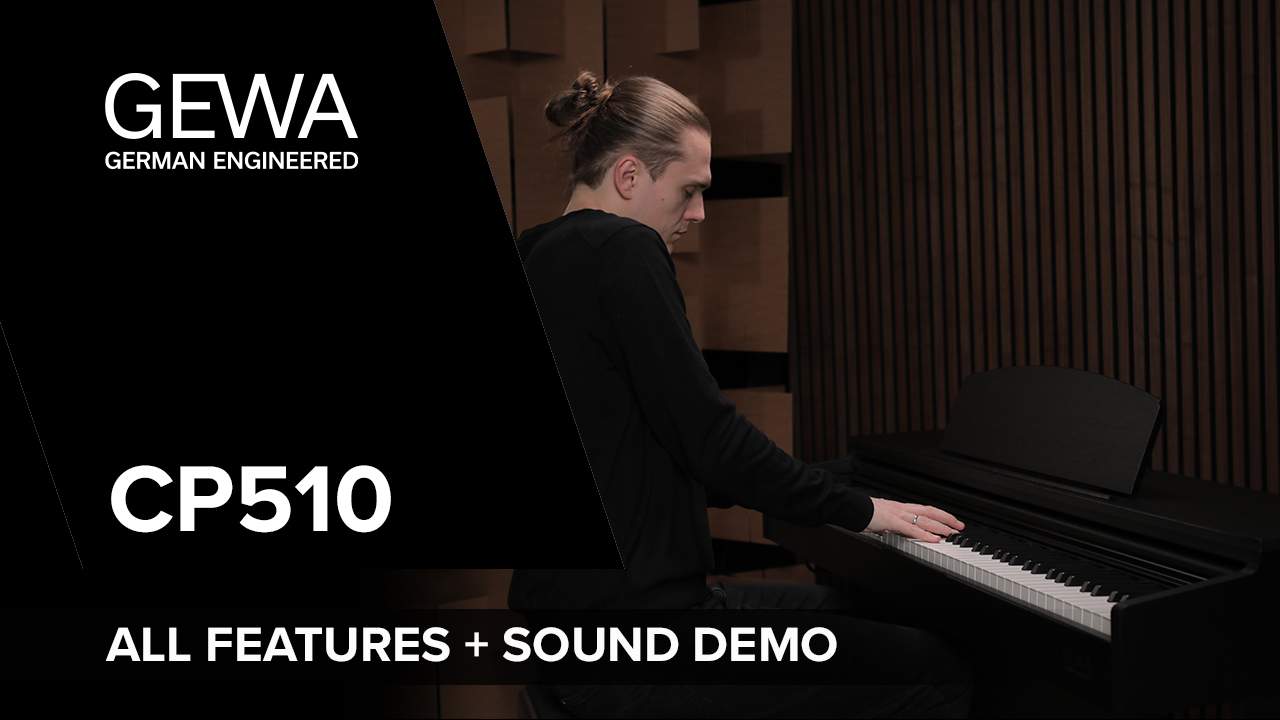
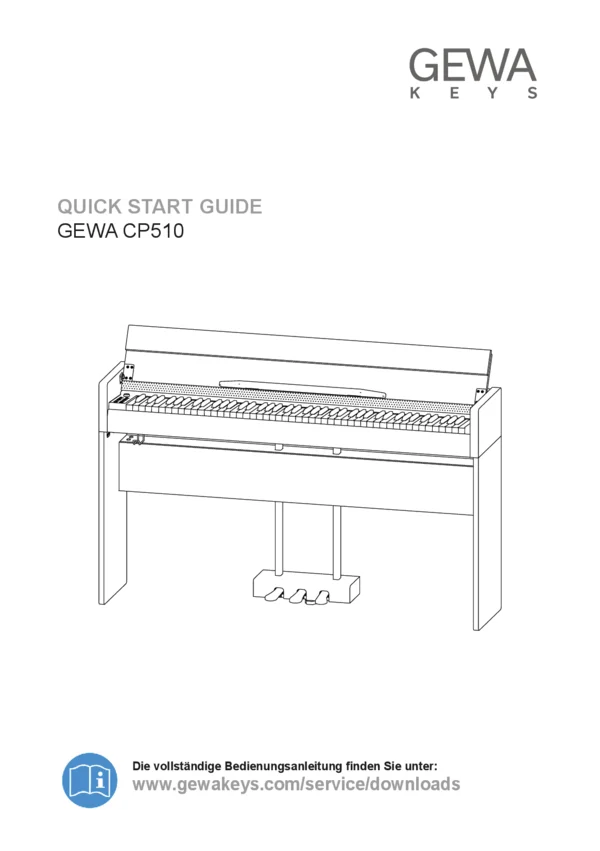
GEWA CP510
Learn more about the CP510 and its
unique features with Paul Berrem.



GEWA Digital piano UP540
Variants


- Traditional cabinet design
- High-resolution and optimised ‘Hamburg Grand’ piano sample based on a Steinway D274 with more than 1 GB of memory
- GEWA Ivory Touch Pro keyboard – 88 keys with hammer action, weighted in zones with Ivory Touch surface
- Smart operation via GEWA Piano Remote app (Android/iOS)
- 2-way speaker system
- Simple and modern user interface with elegant OLED display and illuminated soft-touch buttons
- Sound library with 40 high-resolution sounds
- Sound generation based on the latest DSP and memory technology
- Bluetooth audio + MIDI function
- Recording of .MIDI or .WAV files to USB
- Split and layer function with up to 3 sounds
- User calibration tool for fine-tuning the keyboard response
- Virtual piano technician for adjusting string resonance, pedal resonance, hammer head, half-pedal values, una corda, attack and tuning parameters
- Lesson function with constantly growing library of practice pieces
- Metronome with click and preselectable rhythms
- Effects in two independent effect blocks
- 4 reverb effects, 8 modulation effects
- 256-note polyphony
- Connections:
- USB to Host / USB to Device
- 3.5 mm Aux Input
- 6.3 mm Sustain Pedal
- 2x 6.3 mm Line Output (L/R)
- RJ45 Pedal Connector
- Traditional MIDI IN/OUT/THRU
- 2x 6.3 mm Headphone Jack
Bedienungsanleitung
Key Facts








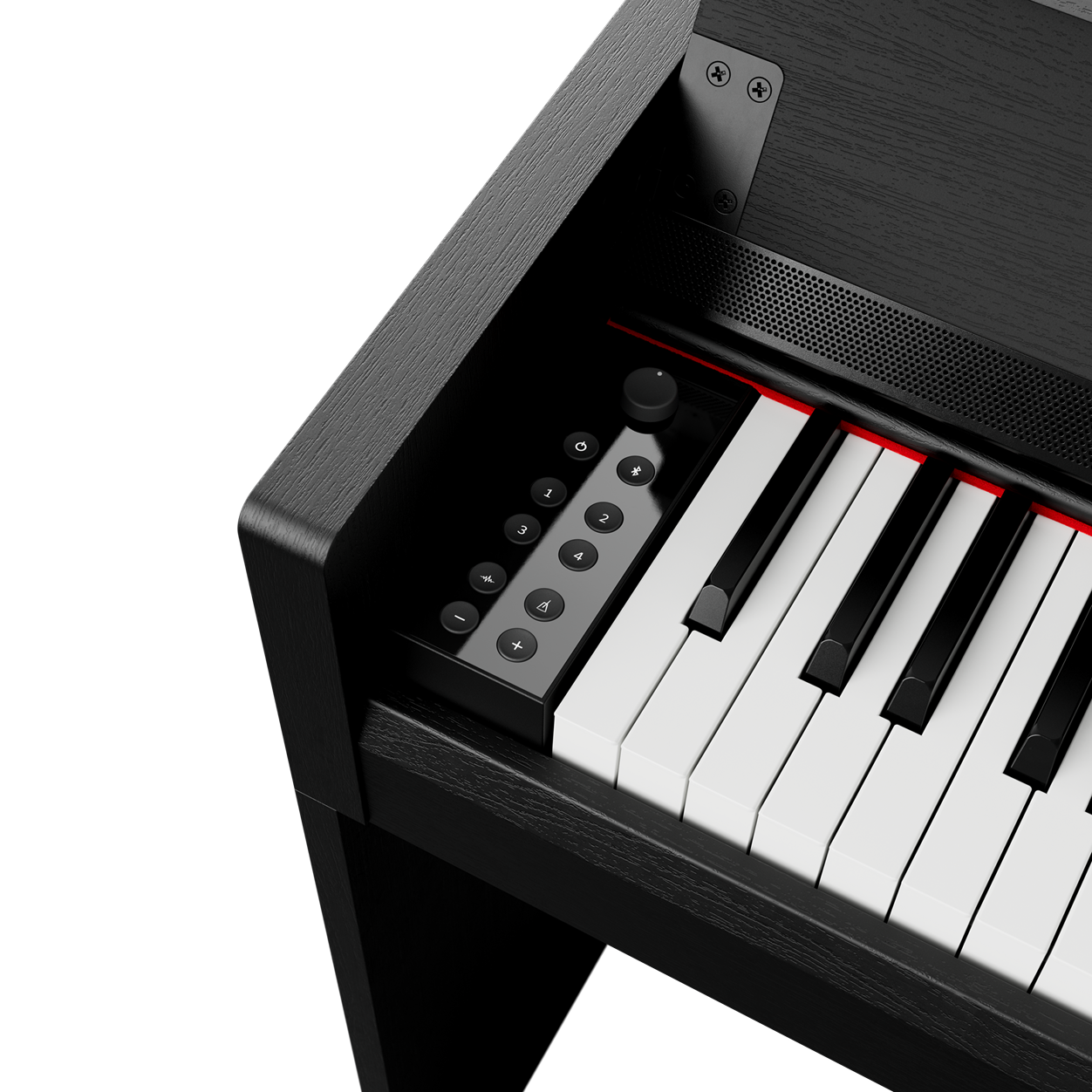
Simple and modern User Panel
The user panel of the GEWA CP510 features a sleek, modern design with soft-touch buttons and subtle backlighting for easy navigation. Its intuitive layout includes four favorite buttons, allowing users to quickly access their preferred sounds with a single touch. This combination of simplicity and functionality makes playing more convenient and enjoyable.
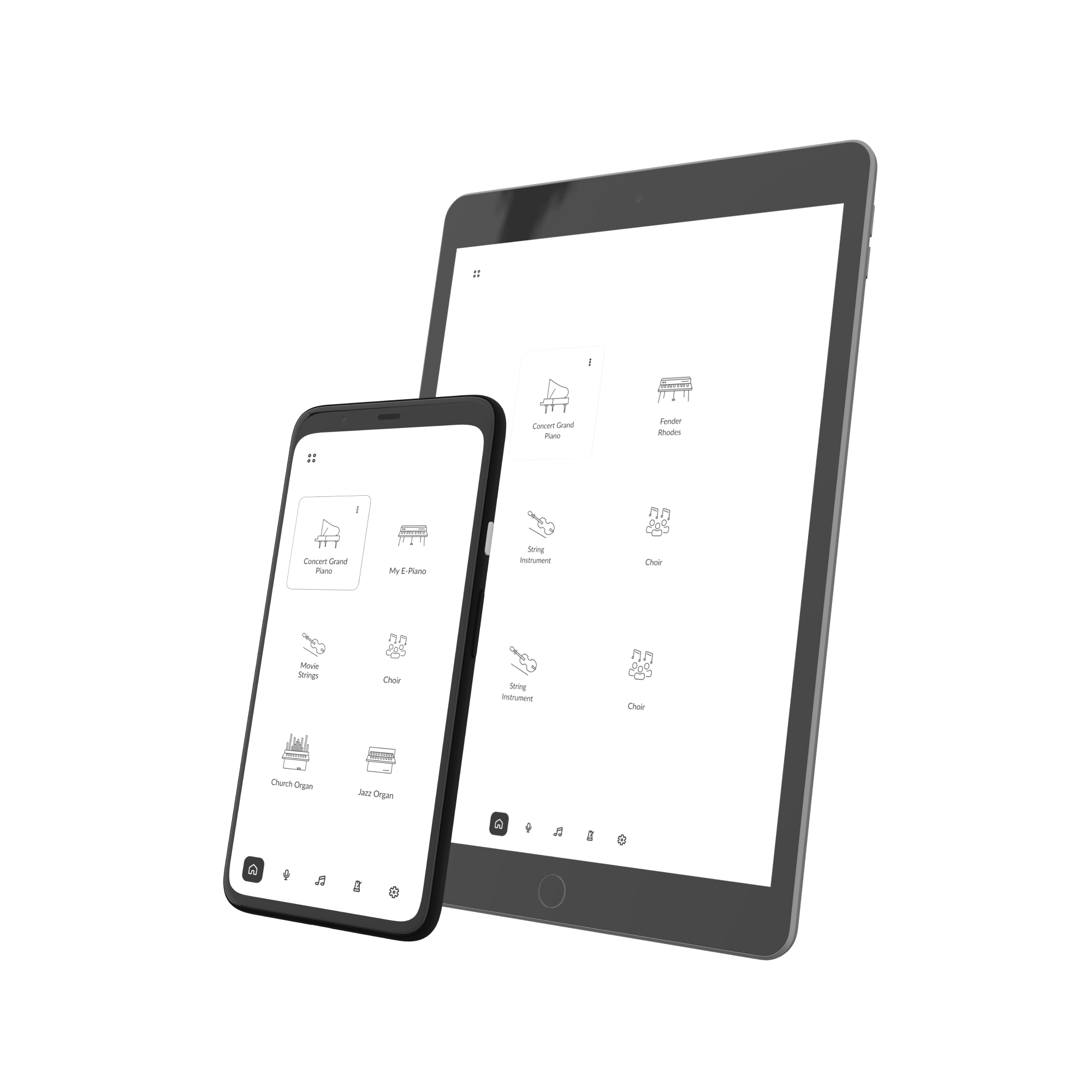
Compatible with the GEWA Piano Remote APP
Edit and save playing and sound settings conveniently via your smartphone or tablet. With the GEWA Piano Remote App, you have detailed access to sounds, effects, keyboard parameters, metronome, layer and split settings, the recording function, the constantly growing library of the Lesson function, and much more.
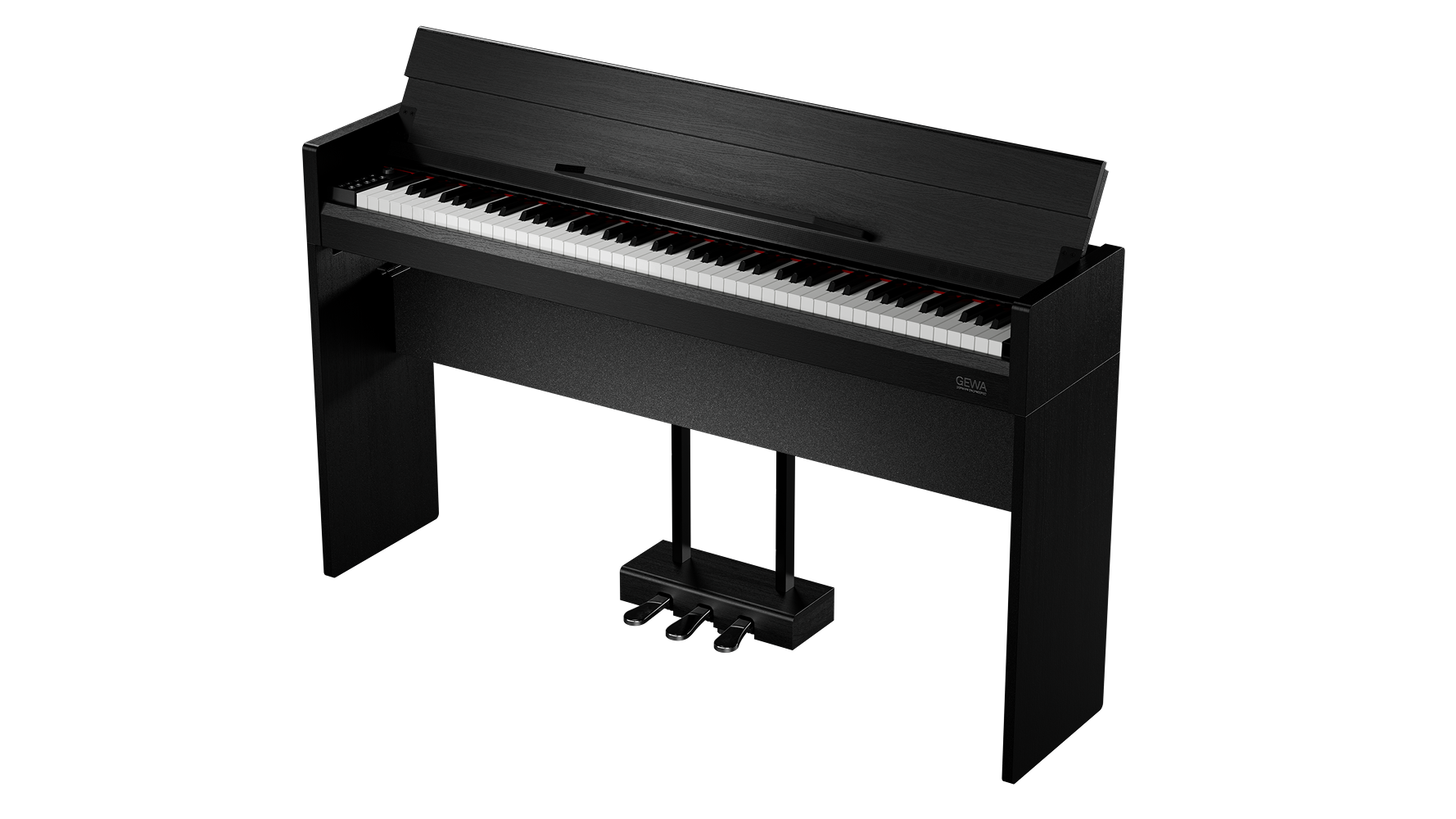
Sleek and Modern Cabinet Design
The GEWA CP510 features a modern and sleek cabinet design that blends seamlessly into any contemporary living space or children's room. Its compact form is complemented by a foldable lid, allowing it to take up less space whle maintaining a stylish and elegant appearance. Designed for both aesthetics and functionality, the CP510 is a perfect fit for any home.
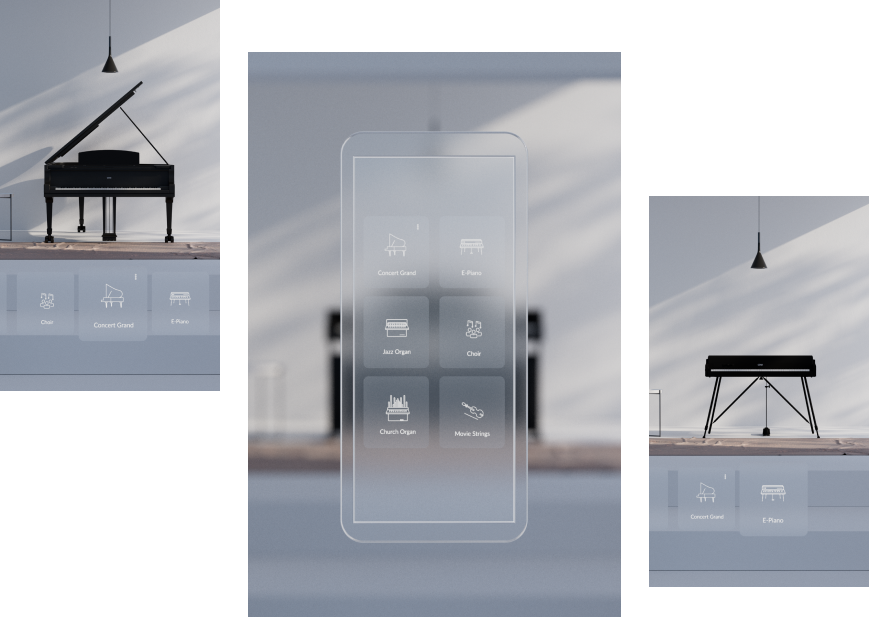
Your Favorite Sounds – Right on your Fingertips
Define your favourite sounds for fast and direct access. With the Favorite function, you can freely assign and name six memory locations via the GEWA Piano Remote app. They are stored directly in the piano and can be called up at any time, even without connecting to the app.
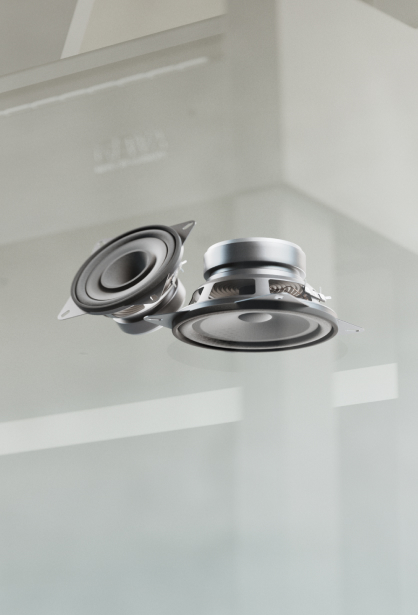
Two Way Speaker System
The GEWA CP510 features a high-quality 2-way speaker system that delivers a rich and direct sound experience, closely resembling an acoustic piano. With a total of four speakers—two bass-midrange speakers and two tweeters directed towards the pianist—it ensures a well-balanced, immersive sound that enhances the playing experience.
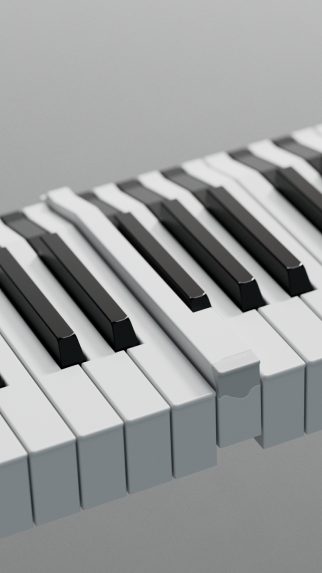
GEWA Smart Touch Keyboard
The GEWA CP510 is equipped with the GEWA Smart Touch keyboard, an 88-key hammer action designed for a highly responsive and authentic playing experience. Carefully matched to the sound engine of the Hamburg Grand Piano Sample, it ensures a seamless connection between touch and tone, providing pianists with exceptional control and expressiveness.
High-Resolution Hamburg Grand Piano
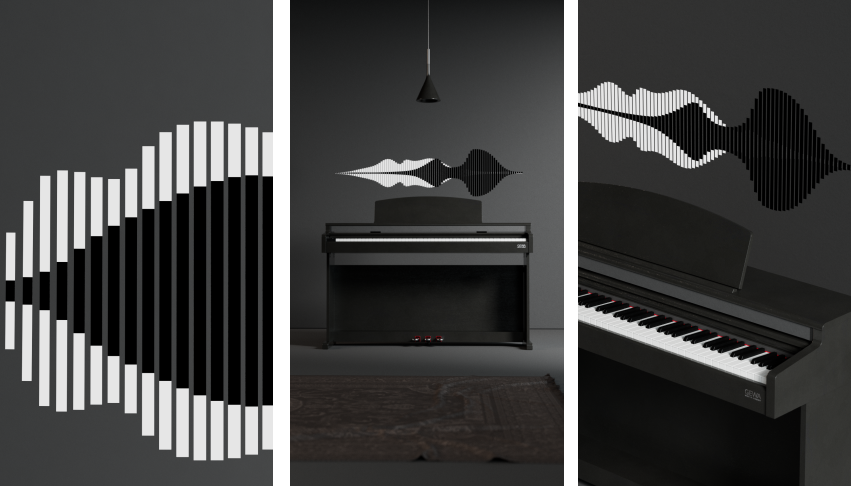
The Hamburg Grand Piano Sample in the GEWA CP510 is based on the iconic Steinway D-274, delivering an authentic and expressive piano sound. Each key has been meticulously recorded at multiple dynamic levels, ensuring a natural and dynamic response. With no looping, every note rings out in its full decay, preserving the richness and depth of the original instrument.
Extended Connectivity
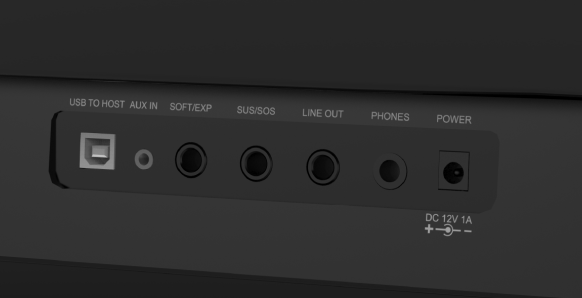
The GEWA CP510 offers versatile connectivity options to suit any playing or recording setup. It features Bluetooth Audio and MIDI for seamless wireless integration, dual headphone jacks for silent practice, a USB pedal connector for expanded functionality, a line output for external speakers or recording, and an AUX input for connecting external audio sources.

High-quality products, whether instruments, bags or accessories, are and always have been our mission.
But they must also be affordable and accessible to all.
The products of GEWA German Engineered are 100% conceived and designed by our experts in Germany. Know-how, experience and a constantly open ear for the needs of music creators characterise the work of the development teams.
Ideas are then turned into instruments in cooperation with partner and GEWA-owned production facilities all over the world. These locations enable us to use production techniques that are not available in this form elsewhere.
Our specialists regularly visit all the workshops to train the staff and to make sure that the production is carried out according to our ideas in all respects.
This enables us to guarantee a fair price with consistently high production quality. But that is not quite enough for us.
That's why every single instrument is put through its paces in our service workshops before delivery. Only in this way can we be sure that GEWA German Engineered is always the right choice.
How about...?



Home Pianos
Frequently asked questions:
Here you will find the most frequently asked questions.
If the answers given here do not help you, please contact our customer service.
You can find a list of all GEWA digital piano partners in our dealer search.
You can register your piano for an extended warranty at https://gewakeys.com/service/warranty. After successful registration you will receive a confirmation by e-mail.
Please contact us at keyssupport@gewamusic.com with a brief description of the problem.
First, please check that the piano is switched on and the volume control is turned up. Please note that the speaker system will automatically turn off if headphones or a headphone adapter are connected.
First, please check that the pedal cable is properly connected to the console and plug it in (again) if necessary.
Please note that the GEWA Piano Remote App is currently not supported by all GEWA digital pianos. You can find detailed instructions on how to establish a connection in the user manual of your digital piano. If you still cannot set up connection, please contact us at keyssupport@gewamusic.com.
You can download the software updates in the Service/Firmware section of this webpage. Each download includes installation instructions. If you have problems installing the update, please contact us at keyssupport@gewamusic.com.

